Gaming Neon Sign: How to Decorate Your Setup in 2026
- LED neon signs use 8 to 15 watts per metre of lit tube, about 12 W/m on average. A 1 metre sign running 8 hours daily uses about 35 kWh per year, costing roughly $8 at $0.25 per kWh.
- Find a ready-made kWh and cost table, the simple calculation formula, what changes the wattage, and practical ways to lower the bill.
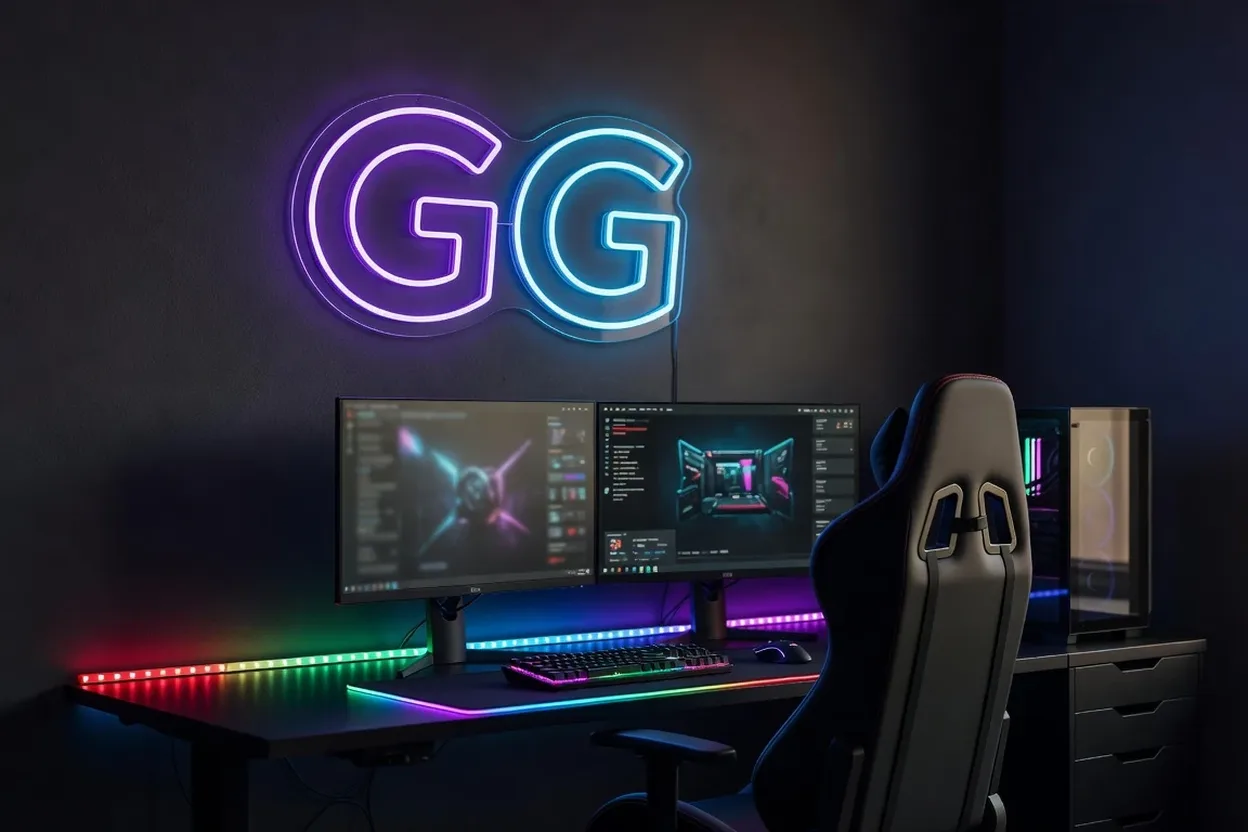
To decorate your setup with a gaming neon sign, pick a key spot (behind the monitor, on an accent wall, or at the ceiling), a colour that matches your gaming universe, and a custom 40 to 120 cm piece that personalizes the whole desk.
According to a 2025 Twitch study, more than 67% of streamers rate ambient lighting as strategic as their mic or webcam. On Pinterest, searches for “gaming setup neon” jumped +280% between 2023 and 2026, a clear sign that the gaming neon sign is now a core décor code for players.
At Helioneon, makers of custom LED neon signs, more than 500 neon signs have already been delivered, including about twenty personalized gaming pieces (Twitch handles, team logos, game slogans). Here is how to decorate your gaming setup with a gaming neon sign, step by step, without missing on colour, placement, or budget.
Decorating a gaming setup in 2026 is no longer about stacking RGB gear alone. The LED neon has become the centrepiece that sets the mood, guides the camera’s eye, and locks in a strong visual identity. Whether you grind Valorant, stream on Twitch, or collect retro cabinets, a well-planned gaming neon sign turns a desk corner into a personal studio.
Not every neon is equal, though. Between budget models that yellow in six months and premium custom pieces, the gap shows on camera and in person. Discover the practices that make a durable, coherent gaming neon sign built for long sessions.
Why a gaming neon sign transforms your setup in 2026
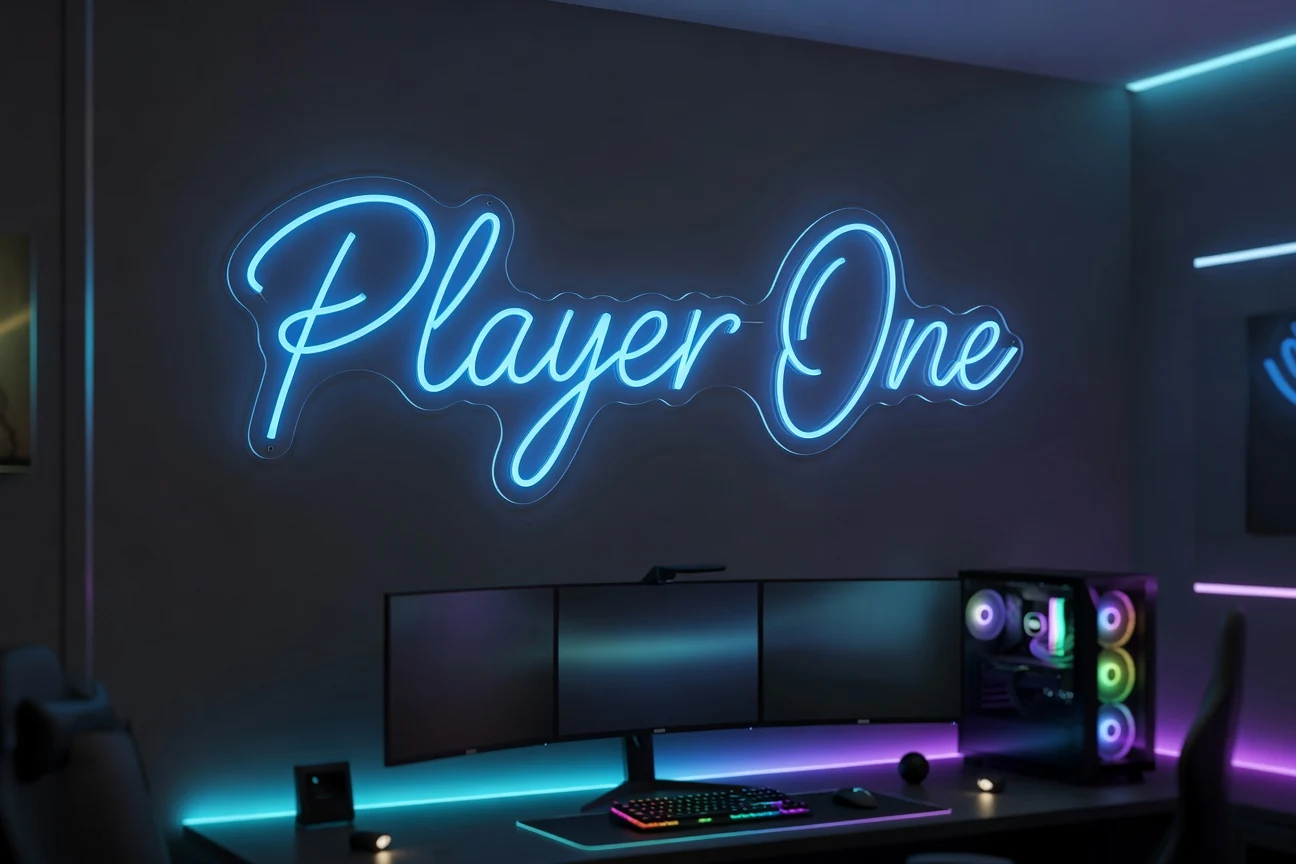
LED neon delivers three things no other light combines as cleanly: a strong visual signature, real eye comfort, and full personalization. Where a basic LED strip only adds a light bar, neon draws a shape, a word, or a logo, and tells who you are as a player.
A gaming neon sign also powers on in seconds, with no warm-up, and lasts 100 000 hours, about 22 years at 12 hours a day. For a Twitch streamer running back-to-back lives or a competitive player spending weekends on Counter-Strike, that durability beats typical smart bulbs. Power draw stays modest, around 15 to 20 W per metre, or under $3 per month.
The real win is coherence. When people hunt for setup décor ideas, they often stack lights that clash. The gaming neon sign becomes the focal point that ranks everything else: strips behind the monitor, Razer keyboard RGB, Corsair fans, all align around it.
Choose the perfect spot for your gaming neon sign
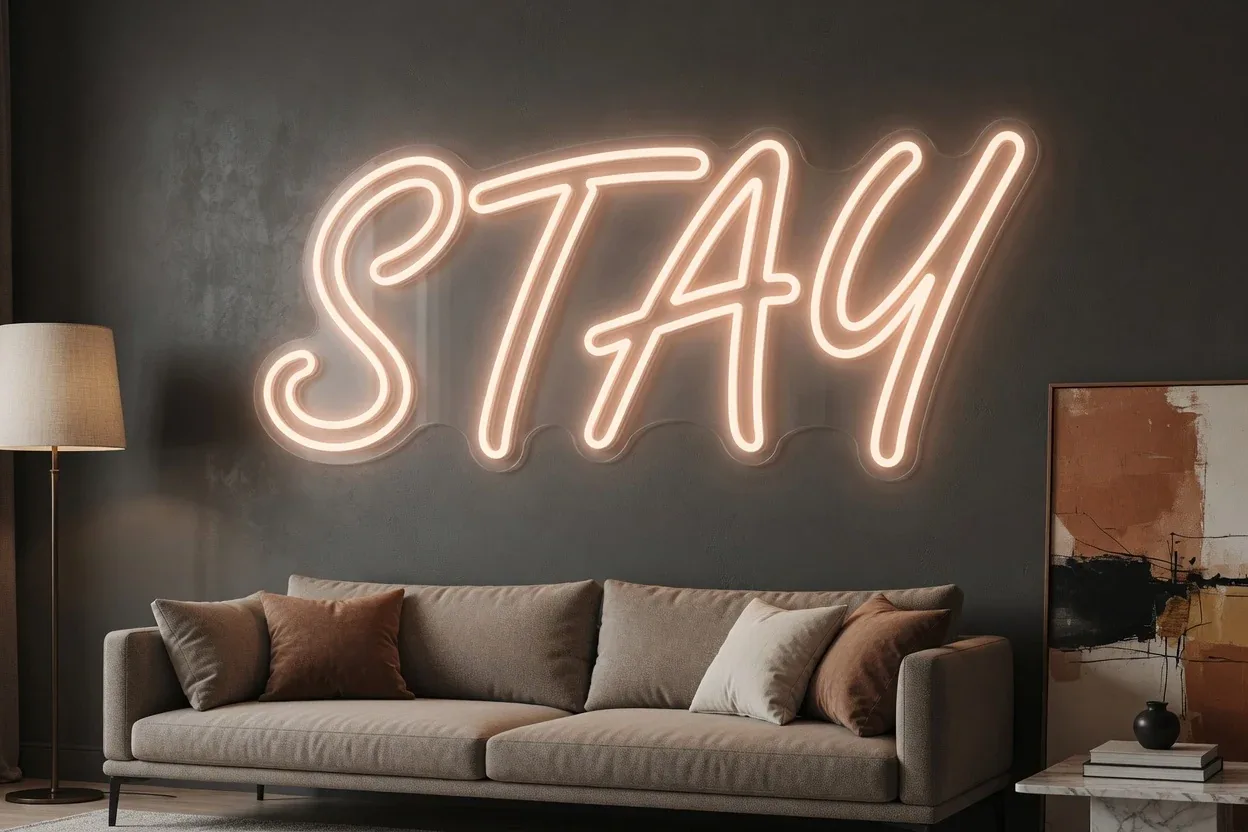
Placement drives about 70% of the final effect. A poorly placed neon stays an object; well placed, it becomes a signature. Four zones work best on a gamer desk, and each serves a clear use case.
First, behind the main monitor. This is the star spot, because it creates backlight that lifts the screen off the wall and cuts eye strain on long sessions. Recommended size: 40 to 60 cm wide, mounted on clear acrylic 10 to 15 cm off the wall. Next, the accent wall facing the desk, ideal for a large 60 to 120 cm neon that works as a Twitch camera backdrop or the main focus off-stream.
Third option, the ceiling or cornice, perfect for dual or triple monitor desks where wall space is packed. Finally, the collection shelf (figures, manga, vintage controllers) highlighted with a small 30 to 40 cm neon that spotlights favourite pieces. You can see concrete examples in our neon sign projects for restaurants, hotels, and stores, including gaming-style installs.
Monitor backlighting: the base of a strong gaming setup
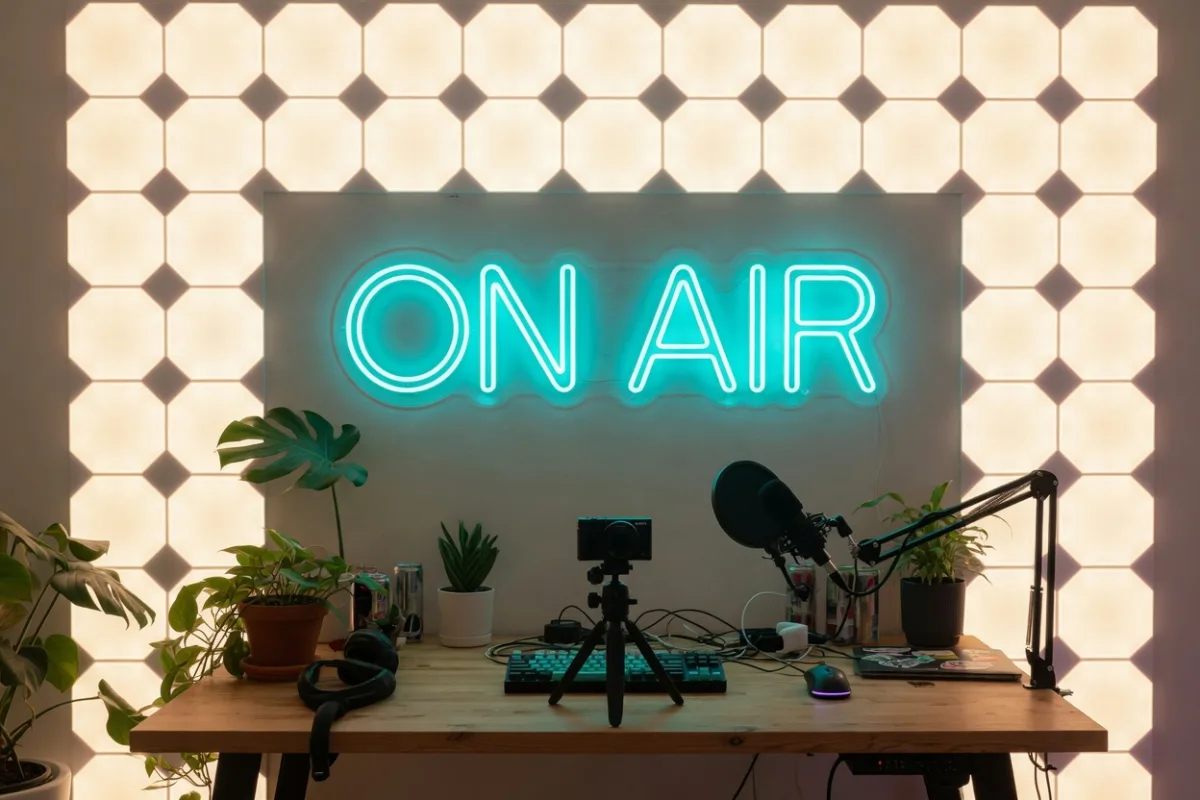
If you keep only one rule for decorating with a gaming neon sign, make it this: start with backlighting. Popularized by pro Twitch studios and top streamers, the method places a light source behind the monitor to soften the contrast between a bright panel and a dark wall.
The payoff is twofold. For eye health, the pupil works less because screen-to-background contrast is gentler. A 2024 ophthalmology study found that 4 out of 5 players feel eye fatigue after more than 3 hours of play, and soft backlighting cuts that feeling roughly in half. Visually, the monitor seems to float and the setup gains depth right away.
For a neon behind the monitor, plan 40 to 60 cm wide, in a neutral tone or one pulled from your main palette (warm white, gold, cyan blue). Avoid saturated reds behind the screen: they spill on camera and throw off white balance on stream. To go deeper, read our guide on neon colour meaning and psychology.
Match your gaming neon sign to your universe
Not every gamer shares the same world. A competitive Valorant FPS player does not decorate like a kawaii Genshin Impact streamer. Before you order, name your main universe and align the whole gaming neon sign setup to it. Here are five typical universes and the matching recommendations.
| Gaming universe | Recommended neon colours | Placement type | Indicative budget |
|---|---|---|---|
| Competitive FPS (Valorant, CS2) | Cool white, cyan, ice blue | Accent wall facing screen, 60-90 cm | $375 to $530 |
| Twitch streamer (handle, logo) | Brand colour + warm white | Camera backdrop, 80-120 cm | $530 to $750 |
| Retro arcade (PAC-MAN, 80s neon) | Magenta, violet, sodium yellow | Collection shelf or side wall, 50-80 cm | $375 to $530 |
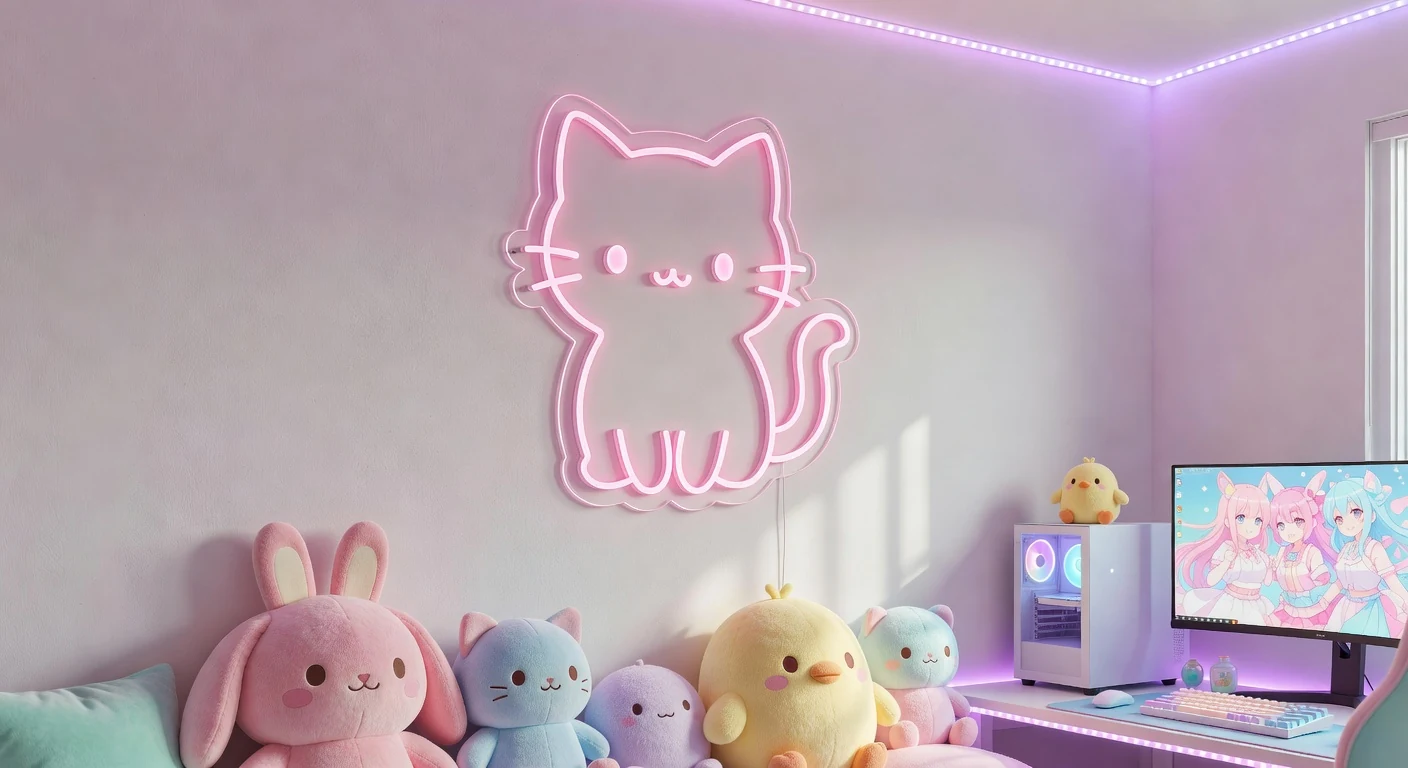
| Anime / kawaii (Genshin, Sailor Moon) | Pastel pink, lavender, white | Behind monitor or figure shelf | $345 to $450 |
| Full custom RGB sync | Multicolor neon + synced LED strips | Ceiling or monitor backlight | $450 to $670 |
For a competitive FPS gaming neon sign setup, stay restrained, because focus beats spectacle. Streamers gain more from a custom piece signed with their handle or logo, and we regularly support creators on these builds through our gaming and arcade neon signs category.
Combine neon, LED strips, and accessories for a coherent setup
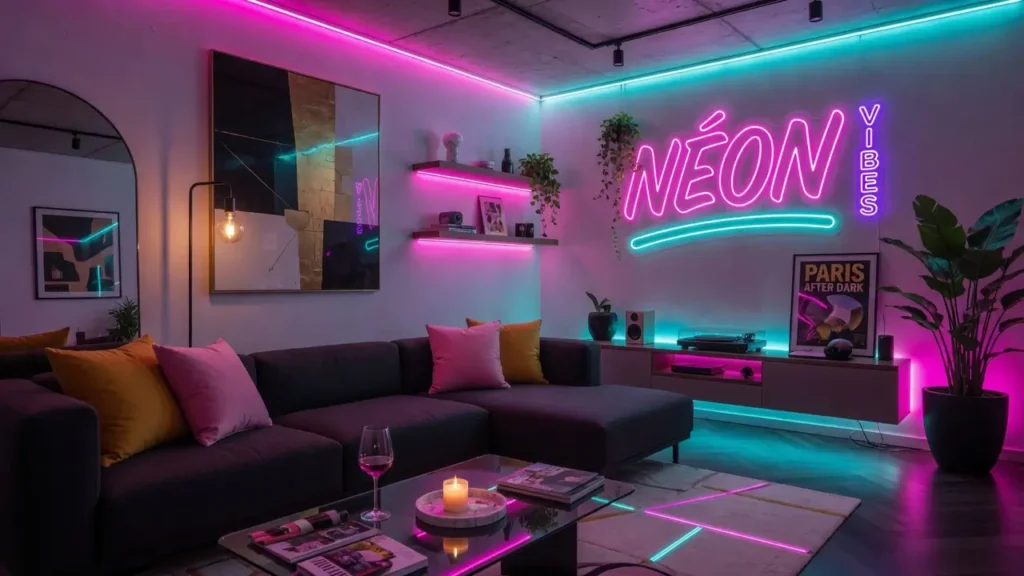
A gaming neon sign alone still looks strong, but controlled layering is what pushes a desk into “pro” territory. The rule is simple: the neon sets the tone, and every other light follows. In practice, you choose the neon first, then match colour temperature and intensity across the rest.
First add-on: RGB LED strips behind the desk and under the monitor. Philips Hue, Govee, or Razer Chroma models sync with most Steam games and stay coherent when the main neon is a neutral colour. Second, RGB accessories: Logitech or Razer keyboard, Corsair mouse, glowing XXL mouse pad. These minor sources support the neon and should never outshine it.
Third layer: soft indirect fill in the background (desk lamp, warm-white wall sconce). That gentle light balances a saturated gaming neon sign and avoids a club look that tires after two hours. Fourth detail often missed: the case fan. Pick an ARGB tint that matches the neon and sync it through iCUE or Razer Synapse.
Gaming neon sign for Twitch streams and video calls
If you stream on Twitch, YouTube Gaming, or Discord Stage, a gaming neon sign becomes a marketing asset on its own. It is what separates your channel from another in the first second of viewing. For stream-focused décor in 2026, two layouts dominate.
Option one: a custom handle or logo neon. You take your channel name, social handle, or team logo, and we cut it on clear acrylic with 6 mm silicone tube. The camera look is instantly recognizable, and clips shared on TikTok or Instagram carry your visual brand. Option two: a signature phrase or catchphrase neon, ideal for comedy or variety channels.
For Zoom, Google Meet, or Teams calls at work, a gaming neon sign can also act as a side key light. Soft light shapes the face without the harsh burn of a frontal ring light. A well-placed neon in a camera background adds about 30% perceived depth to the image, based on feedback from Twitch streamers surveyed on Reddit r/StreamerSetups in 2025.
Pick the right neon colours for gaming
Colour is the number-one mood lever, and the number-one trap when decorating a setup. Too saturated, a gaming neon sign fatigues; too dull, it disappears. The golden rule is to limit the neon itself to two hues max and let LED strips handle dynamic effects. See our guide RGB neon signs: colours, how they work, and control for more depth.
For a competitive setup, favor cool colours (cool white, cyan, ice blue) that support alertness and focus. Applied neuroscience in esports research from 2024 points to cool light slightly improving reaction time. For a chill or retrogaming desk, lean warm (sodium yellow, amber orange, brick red) that echo 1980s arcade cabinets.
Streamers win by using their channel brand colour, because cross-platform visual consistency (Twitch, YouTube, TikTok, Discord) is what sticks. For anime or kawaii setups, pastel pink and lavender lead, especially among Genshin Impact or Honkai: Star Rail players. Browse more options in our multicolor and rainbow neon signs and kawaii and animal neon signs categories.
Realistic budget for a full gaming setup in 2026
Let’s talk money, because that is where projects often stall. To decorate with a quality gaming neon sign and coherent lighting, plan roughly $345 to $750 depending on ambition. Here is the 2026 reference grid at Helioneon.
First tier, about $345 to $375: a small ready-to-hang 30 to 40 cm neon (short word like “GG”, “WIN”, “GAME”), perfect to highlight a shelf or secondary camera corner. Second tier, $375 to $530: a standard custom 60 to 80 cm gaming neon sign, ideal for a Twitch handle or simple logo. This is the most ordered format in our shop, because it balances visibility and budget.
Third tier, $530 to $750: an 80 to 120 cm gaming logo neon with two colours, a premium camera backdrop for active streamers. Beyond that, from about $1200, you enter premium custom with XXL sizes, multiple colours, and complex shapes. Add $90 to $180 of Govee or Philips Hue LED strips on top, and you land a coherent gaming neon sign setup for roughly $460 to $900. Request your free 3D mockup within 24-48h on the bespoke neon logo signs for business page.
Frequently asked questions about gaming neon sign décor
What gaming neon sign should you choose for your setup?
For a gaming setup, choose a LED neon in 6 mm silicone tube on a clear acrylic backing, 12V low voltage and IP65. That mix delivers even light, full indoor safety, and a 100 000 hour lifespan (22 years at 12 hours a day). For size, plan 40 to 60 cm behind the monitor and 60 to 120 cm for a wall backdrop. Personalize with your handle, team logo, or signature phrase, and match the colour to your channel universe. Skip budget models with exposed diodes that yellow fast and look cheap on camera.
How do you place a LED neon behind a gaming monitor?
Place the neon behind the centre of the monitor, 10 or 15 cm off the wall, fixed with standoffs or a hidden mount. Prefer a 40 to 60 cm width, slightly narrower than the screen, so the backlight spills without clutter. Plug the 12V adapter into a discreet power strip and route the cable behind the desk. For colour, pick warm white, gold, or a neutral from your main palette, and avoid saturated reds or magentas that throw off white balance on Twitch or Discord cameras.
How much does a custom gaming LED neon cost?
A custom gaming LED neon runs about $345 to $1,800 depending on size, colour count, and design complexity. At Helioneon, entry level starts near $345 for a short 30-40 cm word. The standard format, most ordered for a Twitch handle or simple 60-80 cm logo, sits between $375 and $530. For a two-colour logo or 80-120 cm camera backdrop, plan $530 to $750. Premium XXL pieces with multiple colours and complex shapes start around $1200. The 3D mockup and quote stay free within 24-48h.
Does LED neon heat up during long gaming sessions?
No. A gaming LED neon stays only warm even after 12 hours of continuous use, because it runs on 12V low voltage with a modest 15 to 20W per metre draw. Unlike halogen bulbs or true gas neon tubes, it barely gives off heat. You can mount it right behind a monitor, on a shelf with plastic figures, or near a PlayStation 5 with no risk. The only mild warm spot is the 12V adapter, which you simply place in a ventilated area away from sensitive RGB cables.
What neon colour works best for a gaming setup?
Colour depends on your gaming universe. For a competitive FPS setup (Valorant, Counter-Strike), favor cool colours (cool white, cyan, ice blue) that support focus. For retrogaming or arcade, go warm (magenta, violet, sodium yellow) that recall 1980s cabinets. For anime or kawaii, pastel pink and lavender lead. For a Twitch streamer, reuse your channel brand colour for multi-platform consistency. Limit the main neon to two hues max and let LED strips handle dynamic effects.
Can you sync a LED neon with music or a game?
Yes. Connected 2026 gaming LED neons sync with music or games through several technologies. Smart Music Sync models include a built-in mic that pulses with ambient sound, ideal for Spotify sessions, Discord, or music streams. For game sync, use LED strips compatible with Razer Chroma, Corsair iCUE, or Philips Hue Sync, which talk to Steam and major competitive titles. The main LED neon usually stays static, because its job is to anchor visual identity, while dynamic strips handle pulsed effects and reactive animations.
You now know how to decorate your setup with a durable, coherent gaming neon sign built for long sessions and Twitch lives alike. Whether you are a competitive player, a streamer, or a retrogaming fan, a custom neon remains one of the highest-return décor upgrades for your desk in 2026. Request your free 3D mockup within 24-48h on bespoke neon logo signs for business and receive your custom gaming neon in 7 to 10 days, with a 3-year warranty. To go further, read our guide on how to choose a neon sign and explore live creator setups on Twitch.
Your custom neon, designed for free in 24 h
- Describe your ideaA text, a logo or a simple sketch. It takes one minute.
- Get your mockup and priceWithin 24 h by email, no commitment.
- Approve, we make itFree express delivery in 7 to 10 days, set up in 3 minutes.
- Mockup and price within 24 h, no commitment
- Free express delivery, received in 7 to 10 days
- 3-year warranty, set up in 3 minutes
Get your free mockup

Guillaume Schlupp
Founder of Helioneon
Over 10 years of entrepreneurship in premium interior design. 500+ LED neons delivered across 13 countries under Helioneon and Light Genius. Leads product strategy, design and professional accounts.